Your C: drive is full again.
SizeScope knows why.
Point it at any drive or folder and it draws a living map of your disk — see every file and folder by size, watch what grew since last week, and clean up junk safely.
Windows 10/11 · no admin needed · no account · nothing uploaded
A map of your disk
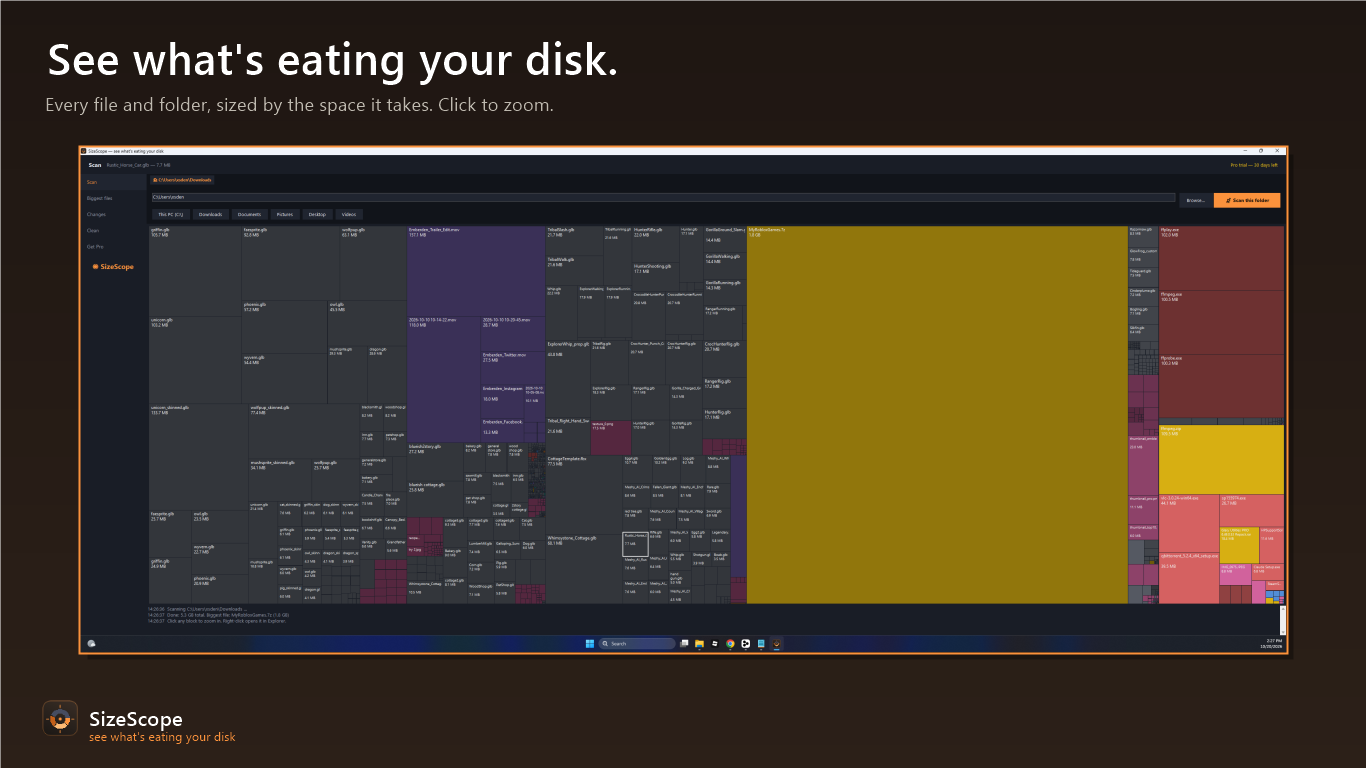
Every file and folder becomes a colored block sized by the space it takes. The 8 GB game folder and the 12 KB text file are obvious at a glance — click any block to zoom deeper.
Growth tracking
SizeScope remembers previous scans and shows exactly which folders grew or shrank — the answer to “why is my disk suddenly full?”
Biggest files, instantly
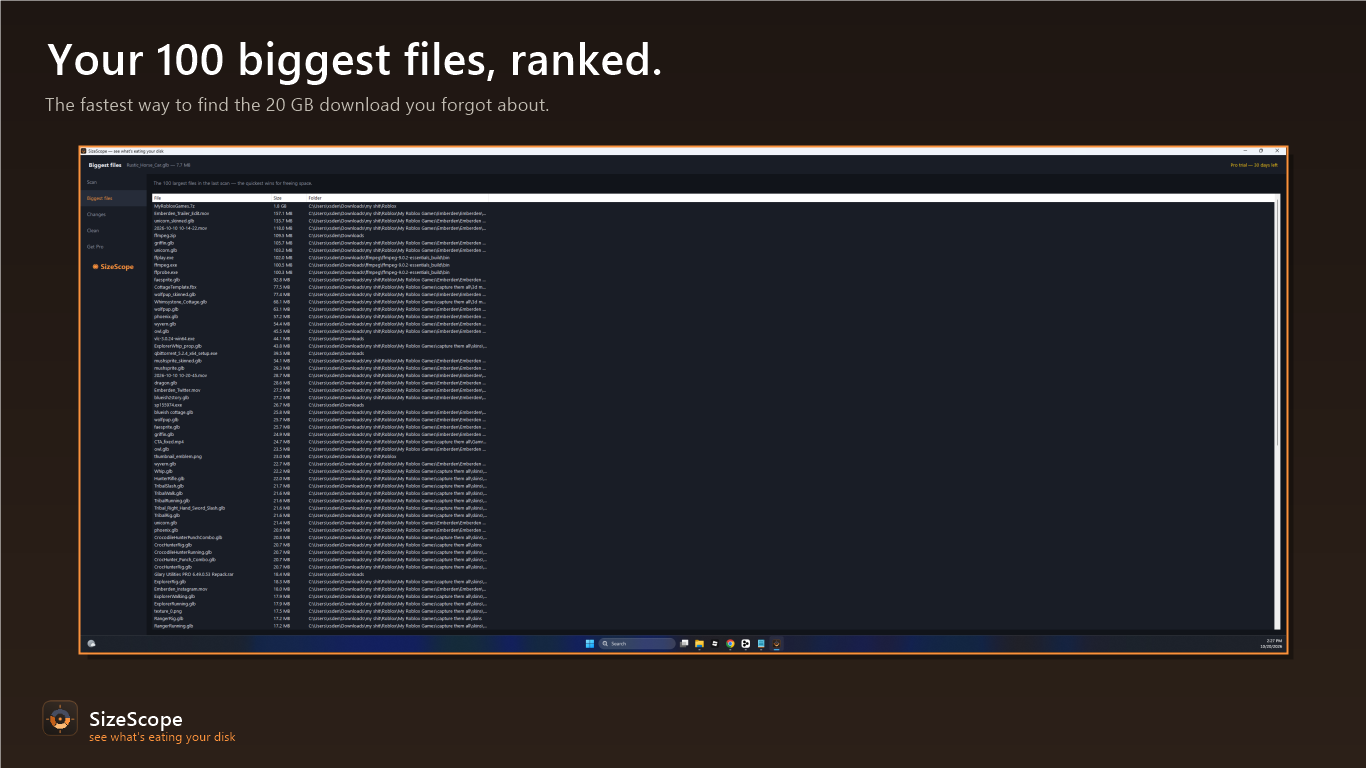
A sorted list of the 100 largest files in your scan — the fastest way to find that forgotten 20 GB download.
Safe cleanup
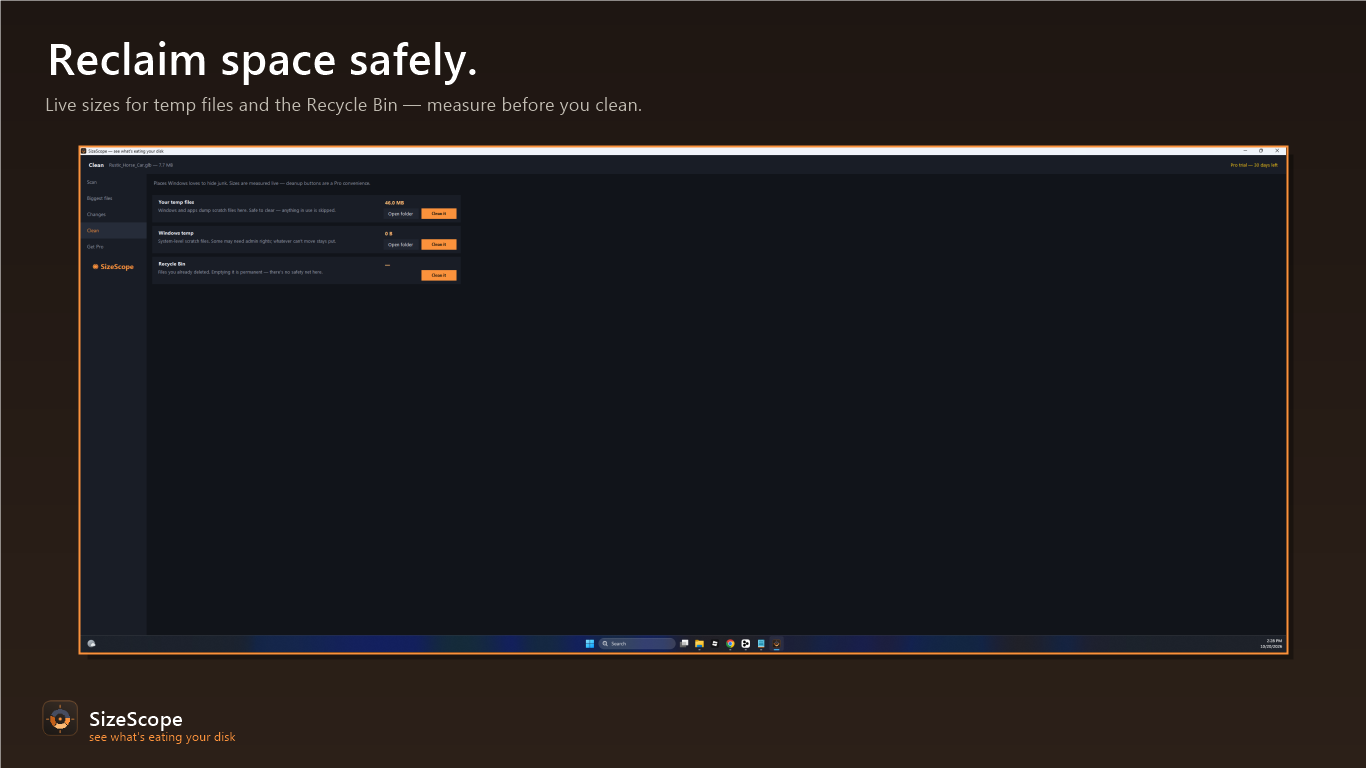
One-click cleanup for temp files, Windows temp, and the Recycle Bin — with live sizes measured before you decide. Skips junctions and system links.
Scan, see, clean
Pick a drive or folder
Your whole C: drive, Downloads, an external disk — hundreds of thousands of files scanned in about a minute.
See the map
Colored blocks sized by real usage. Click to zoom into folders; right-click opens anything straight in Explorer.
Reclaim space
Growth tracking shows what filled your disk this week; one-click cleanup empties temp files and the Recycle Bin safely.
Honest pricing
Free
$0
- ✓ 30 days of every feature — nothing hidden
- ✓ After that: scanning, the visual map, and biggest-files list keep working forever
Pro
$9.99 once, forever
- ✓ Growth tracking — see exactly what changed
- ✓ One-click cleanup
- ✓ Every future Pro feature
Privacy policy
SizeScope collects nothing. It runs entirely on your computer, never connects to the internet on its own, and never sends your file names, folder names, sizes, or scan results anywhere. No account, no sign-up, no analytics, no telemetry, no ads. Full policy →
Support
Something not working, or a key that won't activate? Email thedupfinder@gmail.com and a human answers.