iPhone saves .HEIC.
Half the world can't open it.
Windows Photos wants a codec, websites reject the upload, and grandma's PC shows a blank square. HEIC Hero turns HEIC photos into JPG, PNG, BMP, GIF or TIFF — permanently.
Windows 10/11 · no admin needed · no account · photos never leave your PC
Drag. Convert. Done.
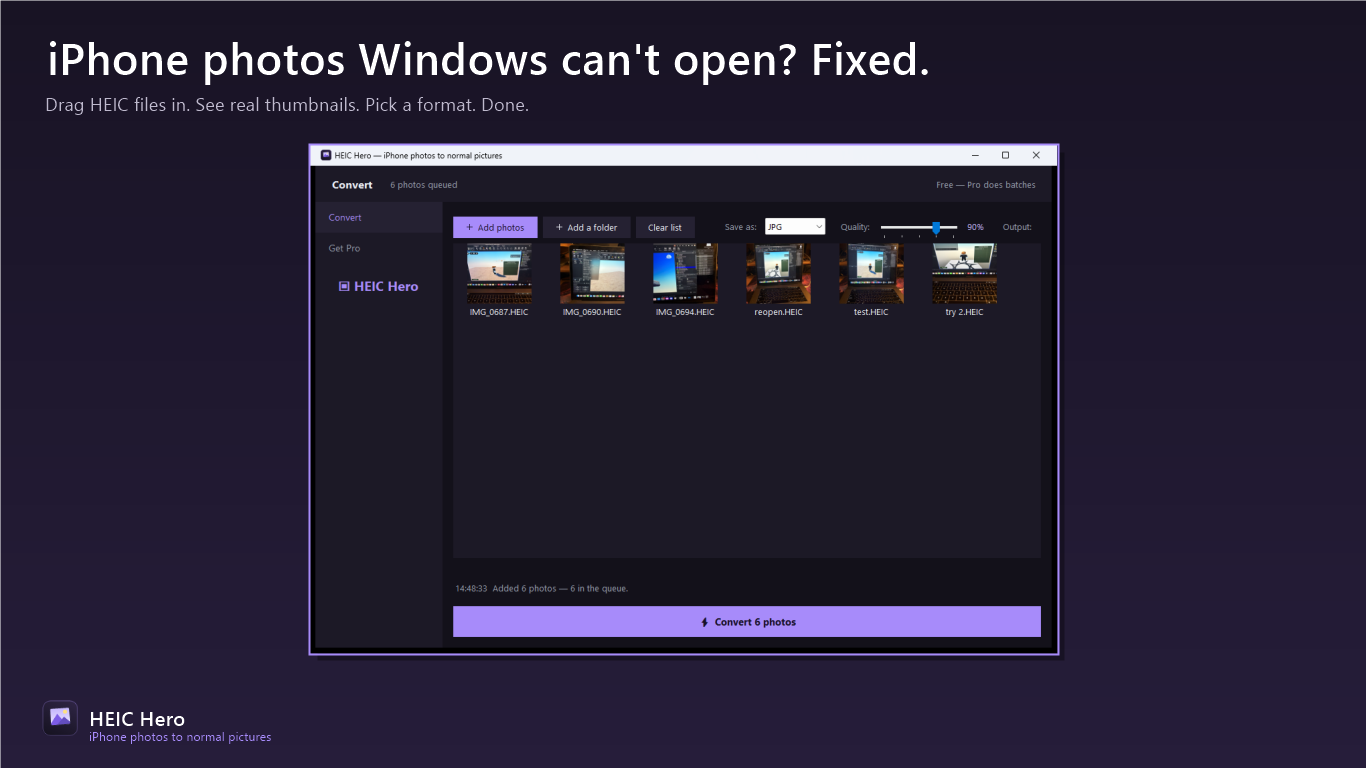
Drop HEIC photos — or a whole folder — into the window. See every photo's real thumbnail instantly, pick a format, hit Convert.
Your pick of format
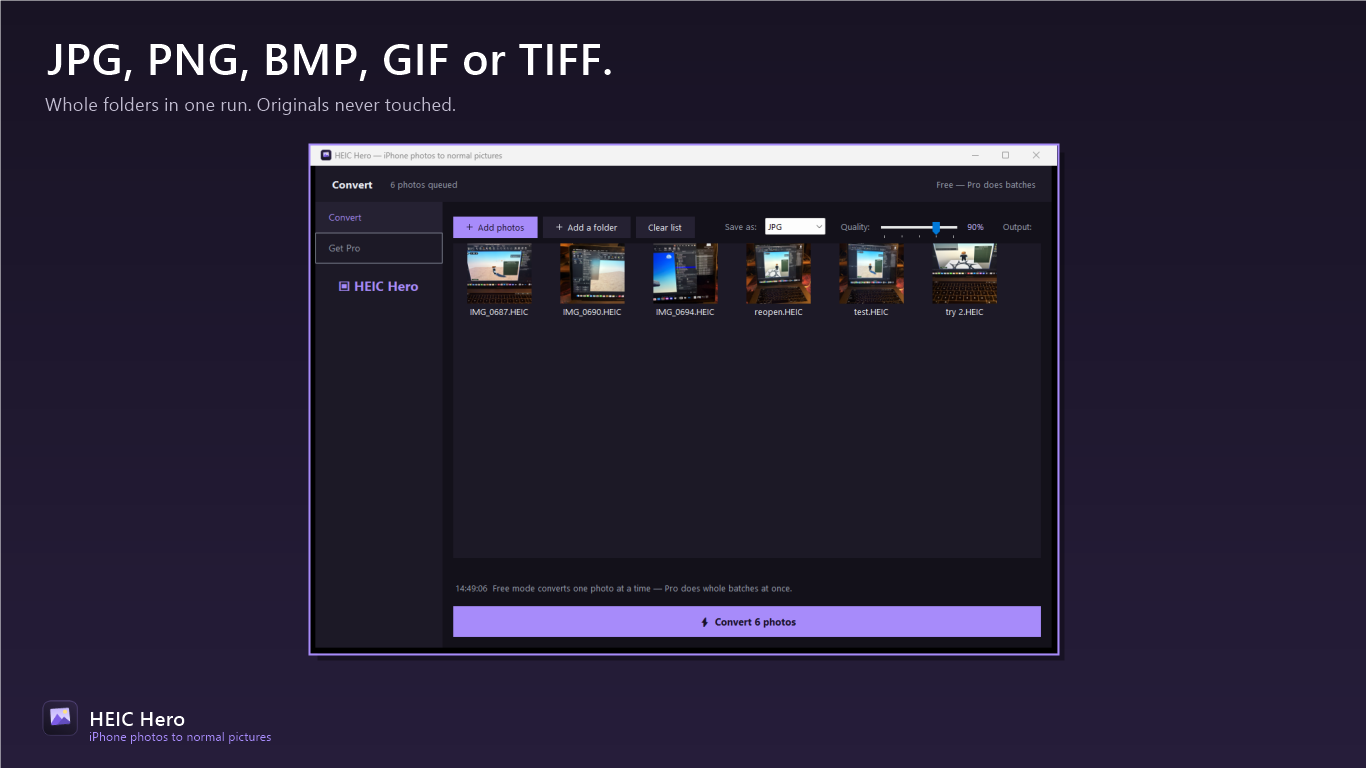
JPG with a quality slider (60–100%), lossless PNG for editing, plus BMP, GIF and TIFF for whoever asks for them.
Safe by default
Originals are never touched. Names and dates are preserved, and collisions resolve automatically — never an overwrite.
Whole folders at once
Pro batch conversion chews through an entire photo library with a real progress bar and time estimates — output lands in a tidy Converted folder.
Three steps, done
Drop photos in
Drag HEIC files or a whole folder — every photo's real thumbnail appears instantly.
Pick a format
JPG, PNG, BMP, GIF or TIFF, with a quality slider for JPG. Output goes to a Converted folder beside your originals.
Hit Convert
Converted files keep the same names and original dates so your library stays sorted. Originals untouched.
Honest pricing
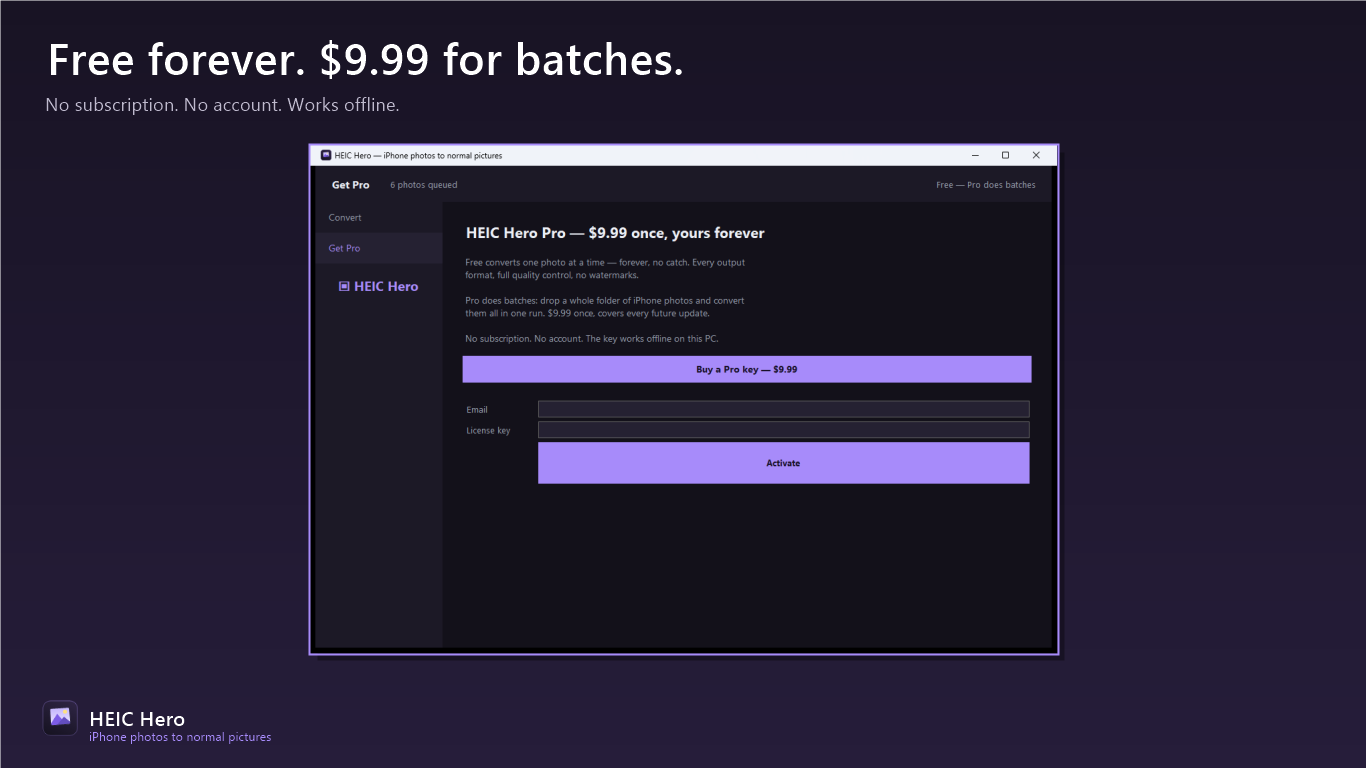
Free
$0 forever
- ✓ Every format, full quality control, no watermarks
- ✓ One photo at a time — free forever, no expiry
Pro
$9.99 once, forever
- ✓ Unlimited batch conversion — whole folders
- ✓ Every future Pro feature
Privacy policy
HEIC Hero collects nothing. It runs entirely on your computer and has no upload code at all — your photos are never transmitted. No account, no analytics, no telemetry, no ads. Full policy →
Support
Something not working, or a key that won't activate? Email thedupfinder@gmail.com and a human answers.